Messenger
The Messenger section is used for agents to communicate with leads via external channels — WhatsApp and Telegram. All messaging happens directly in the Liner interface and is linked to specific leads. Messenger is used to:
- reply to incoming messages from leads,
- continue conversations without switching to external apps,
- track which leads haven’t received a text response yet.
Each conversation is tied to a specific lead and included in the overall interaction history.
Conversations list
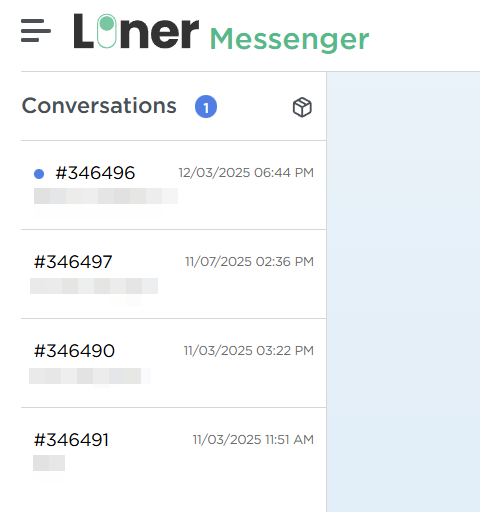
On the left side of the screen, there’s a list of all conversations.
For each dialog, the following information is shown:
- lead number,
- last message,
- date and time of the recent activity.
Conversations are sorted by relevance, with the most recently active conversations shown at the top.
Dialog with a lead
When a dialog is opened, the conversation with the lead is shown in the main workspace (if any messages exist). On the right side of the screen, you can see dialog info: the lead number, current dialog status, creation date, the client's local time, phone number, configured call attempts, and the scheduled time of the next call. Additionally, you can fill out any custom fields configured for the specific order associated with the lead.
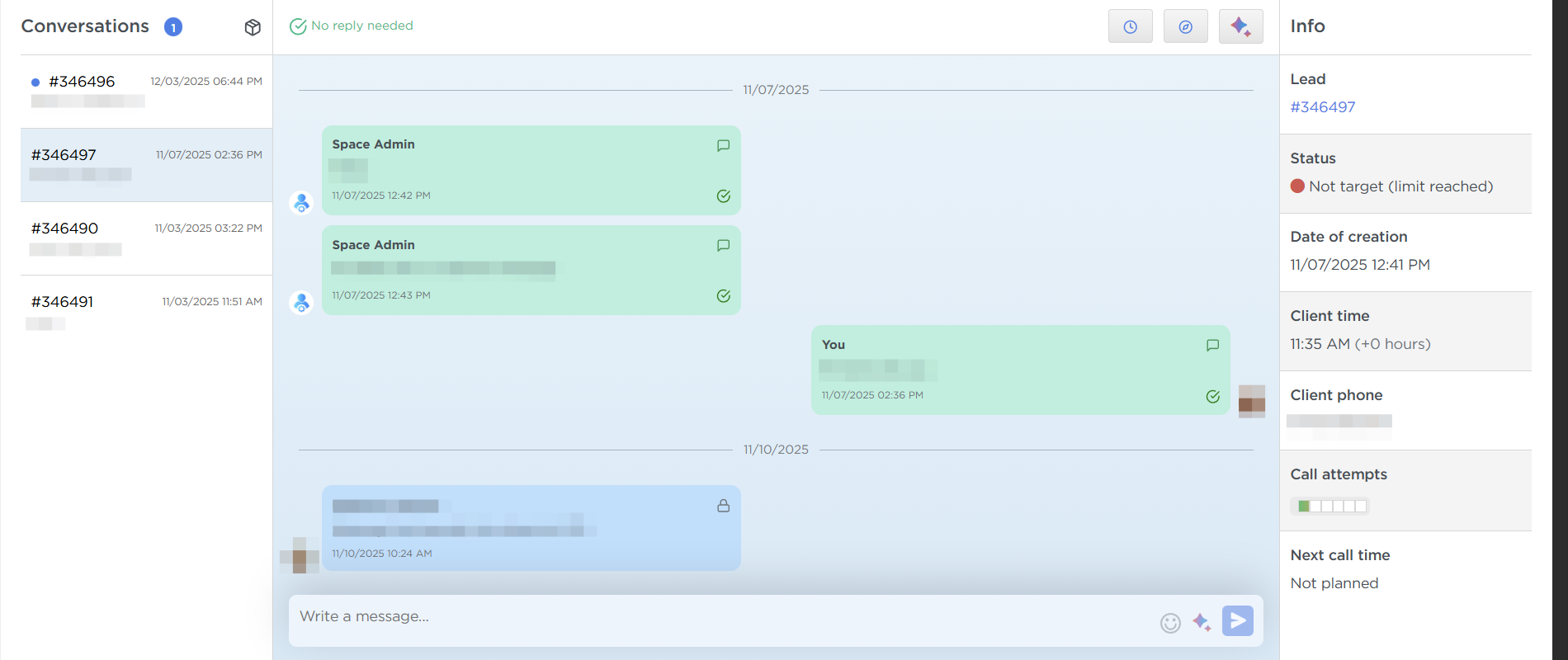
- To schedule a call with the lead, click the clock icon at the top of the dialog window.
- To change the lead status, click the compass icon at the top of the dialog window.
- To generate an AI summary of the conversation, click the corresponding button at the top of the dialog window.
- In the message input field, you can add an internal note instead of sending a message — the note will be visible in the history to all agents working with the lead but won’t be sent to the lead.
- You can also generate a reply using AI — click the button near of the message send button.
Leads without conversations
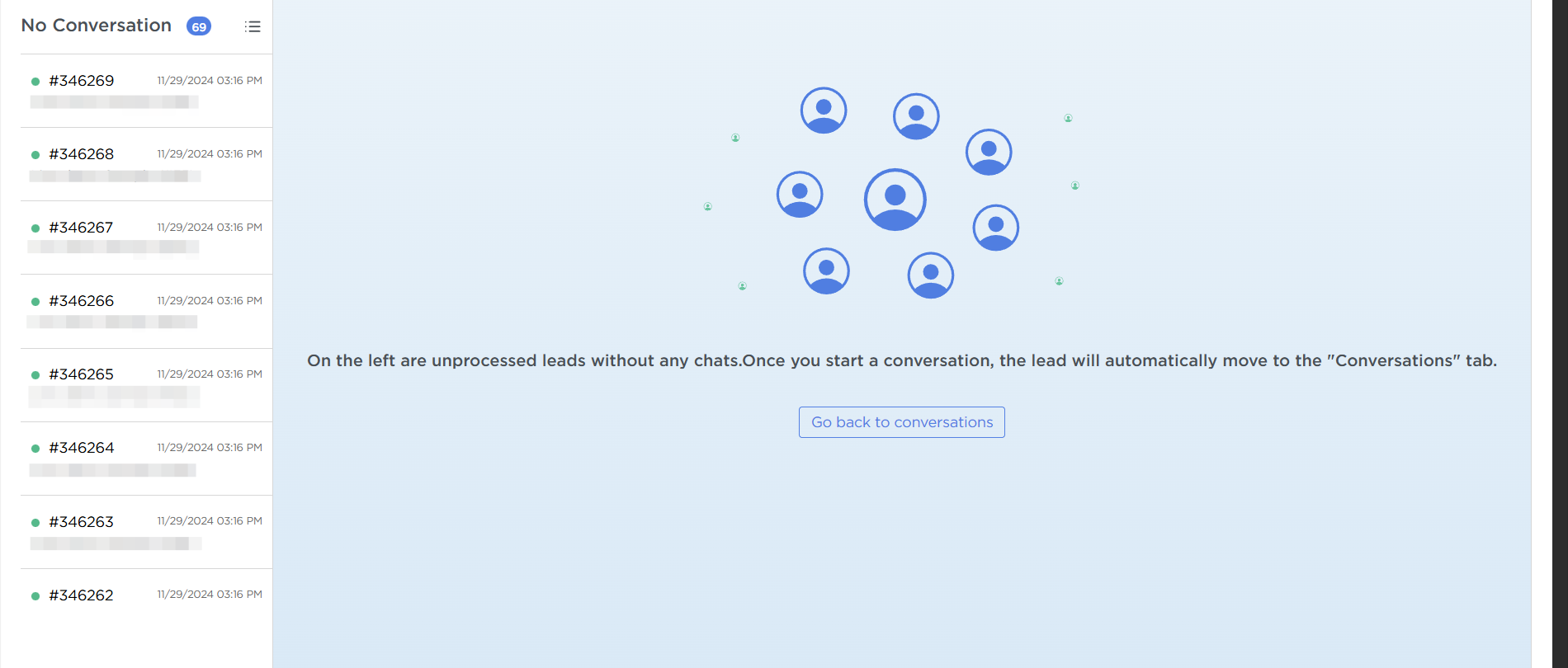
There is a box icon available in the interface. It’s used to switch the display mode.
When you click this icon:
- the dialog list switches to a list of leads with no previous conversations,
- unanswered requests in messengers become easy to spot,
- it’s easier to keep track of incoming messages that haven’t been replied to.
This mode is typically used for the initial handling of new leads in text channels.