Wazzup Integration
The Wazzup integration allows operators to use Liner’s built-in messenger to communicate with customers through WhatsApp and Telegram. Once connected, operators can receive and send messages directly from the Liner interface.
Preparation
To set up the integration, you will need:
- An active, paid Wazzup account
- An API key obtained in your Wazzup dashboard (see 👉 official Wazzup documentation)
Integration setup
-
Open Parameters → Integrations.
-
Click Create integration.

-
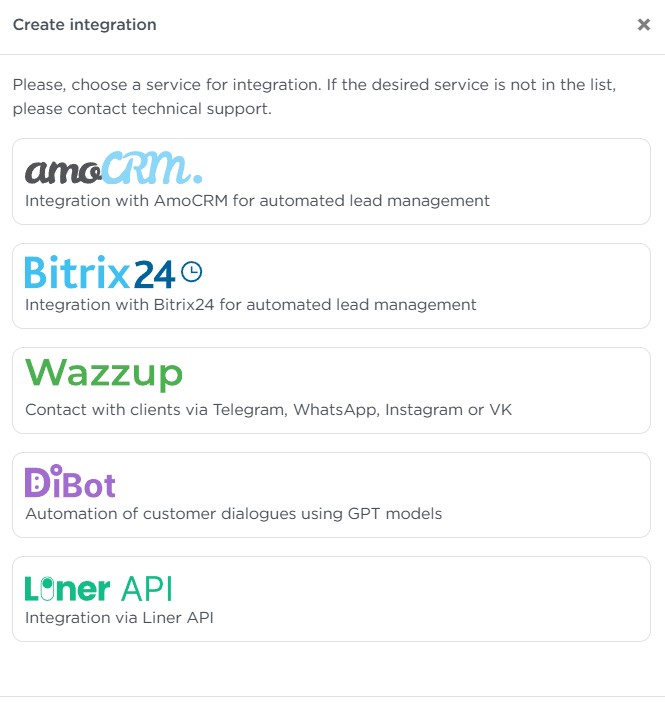
Select Wazzup from the list.
-
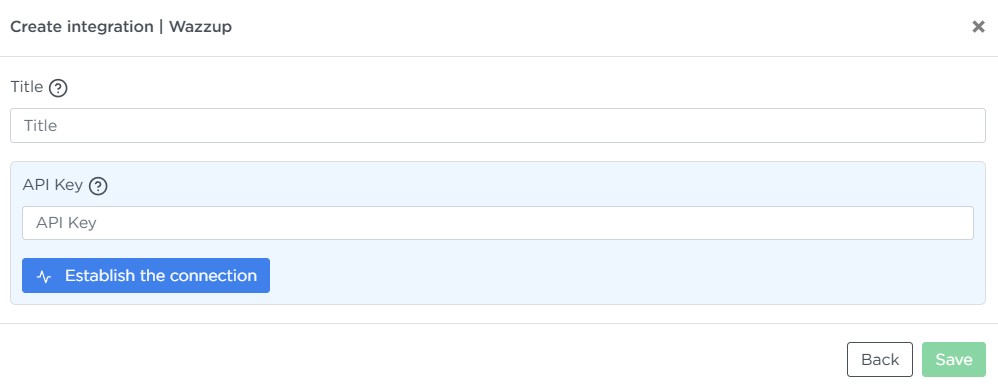
Enter the integration Title.
-
Paste your API key into the API Key field.
-
Click Establish the connection.
-
Wait for the connection to be established.
-
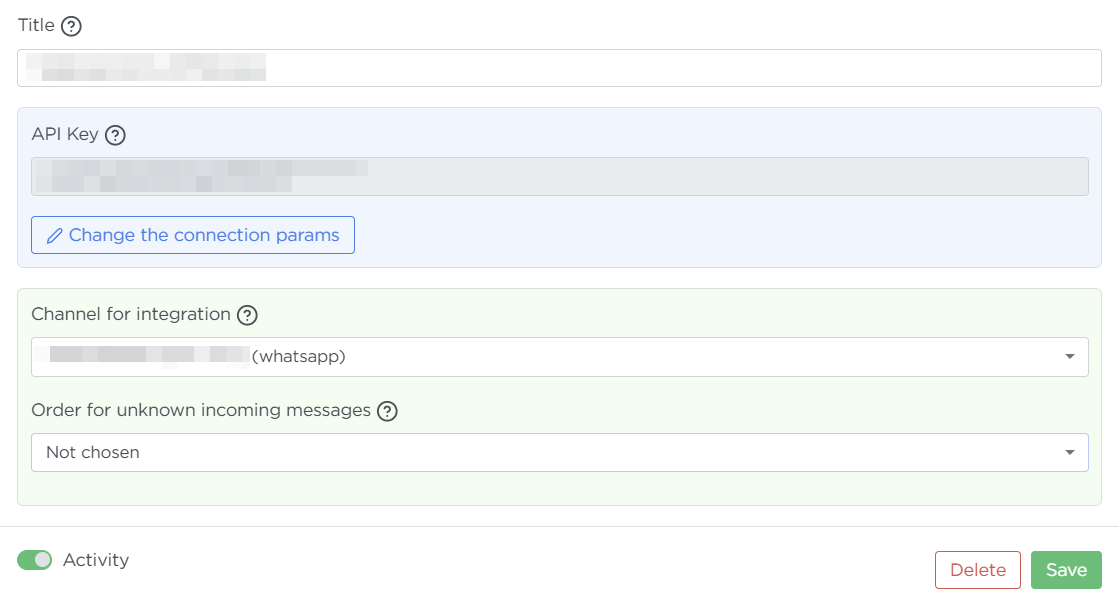
Select the desired channel from the list (WhatsApp or Telegram).
-
Choose the order for unknown incoming messages, or leave the field blank.
-
Enable Active to make the channel operational.
-
Click Create to save the settings.
Managing the integration
- To modify channel parameters, find the integration in the list and open its settings.
- To delete the integration, open its settings and click Delete.
Once the setup is complete, messaging channels will become available in the Liner interface for operator use.
Troubleshooting
If an issue on the Wazzup side makes the channel unavailable, the system will deactivate the integration and notify you via the Notification Center. Common examples:
- Authorization issues — open Wazzup and re-authorize via QR code.
- Account suspension due to insufficient balance or subscription problems.