Integrations
This section shows all created integrations — both active and disabled. The article explains how the section is structured and how to manage integrations.
To view the list of integrations, go to Parametres → Integrations.
Integration list
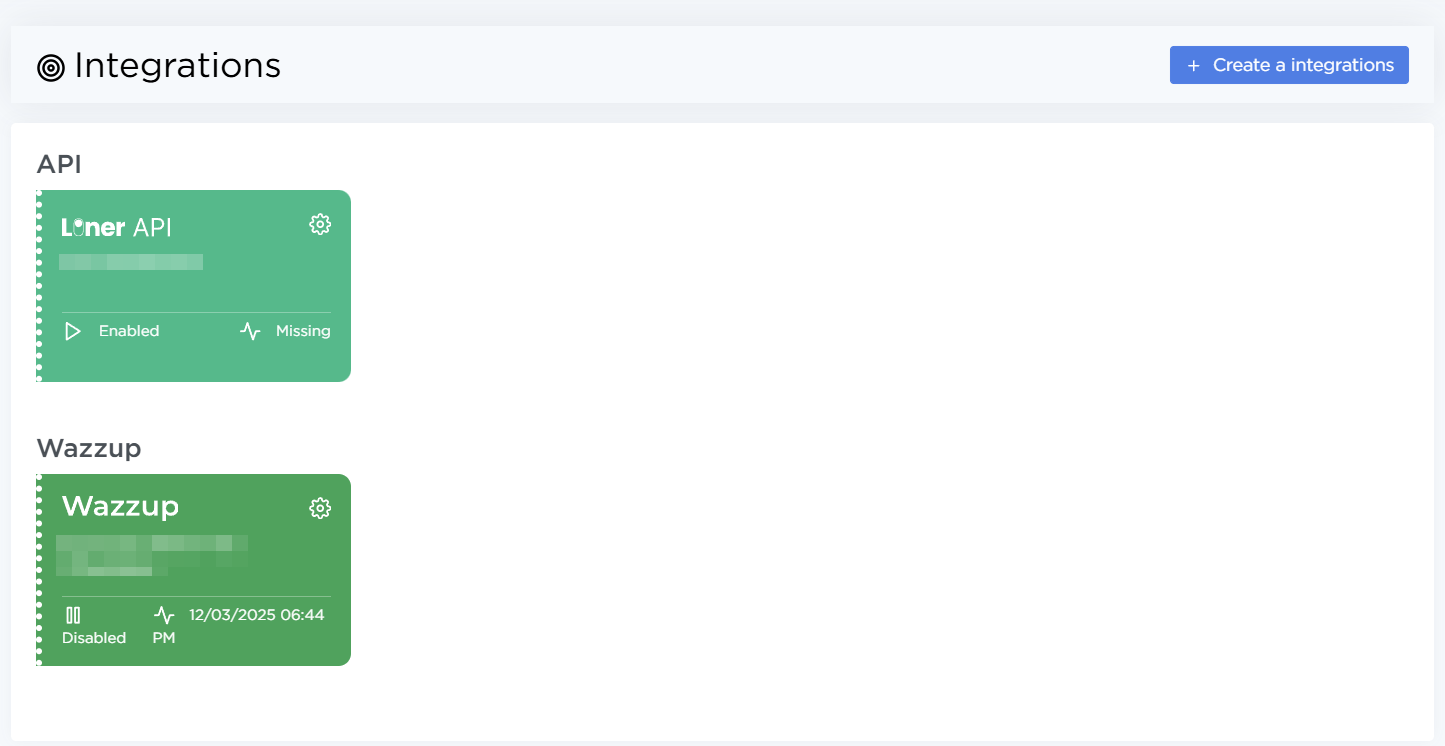
Created integrations are displayed as cards, grouped by service. Each card shows a short summary of the integration:
- Service
- Name
- Status
- Last activity date
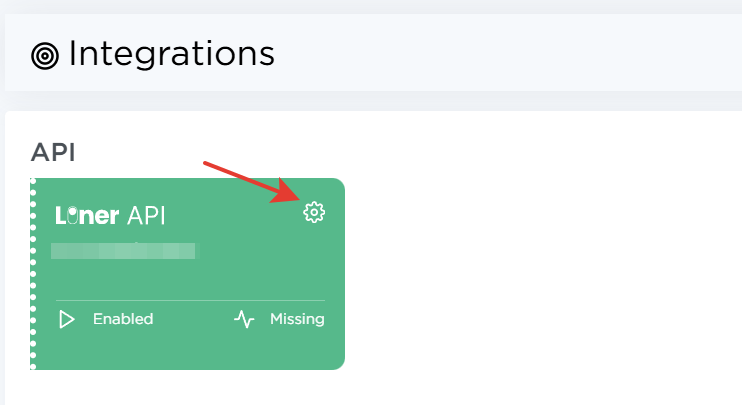
Click the gear icon to open the integration details.
How to use this section
-
Connect new integrations using the Create integration button. Detailed setup instructions are available in separate articles:
-
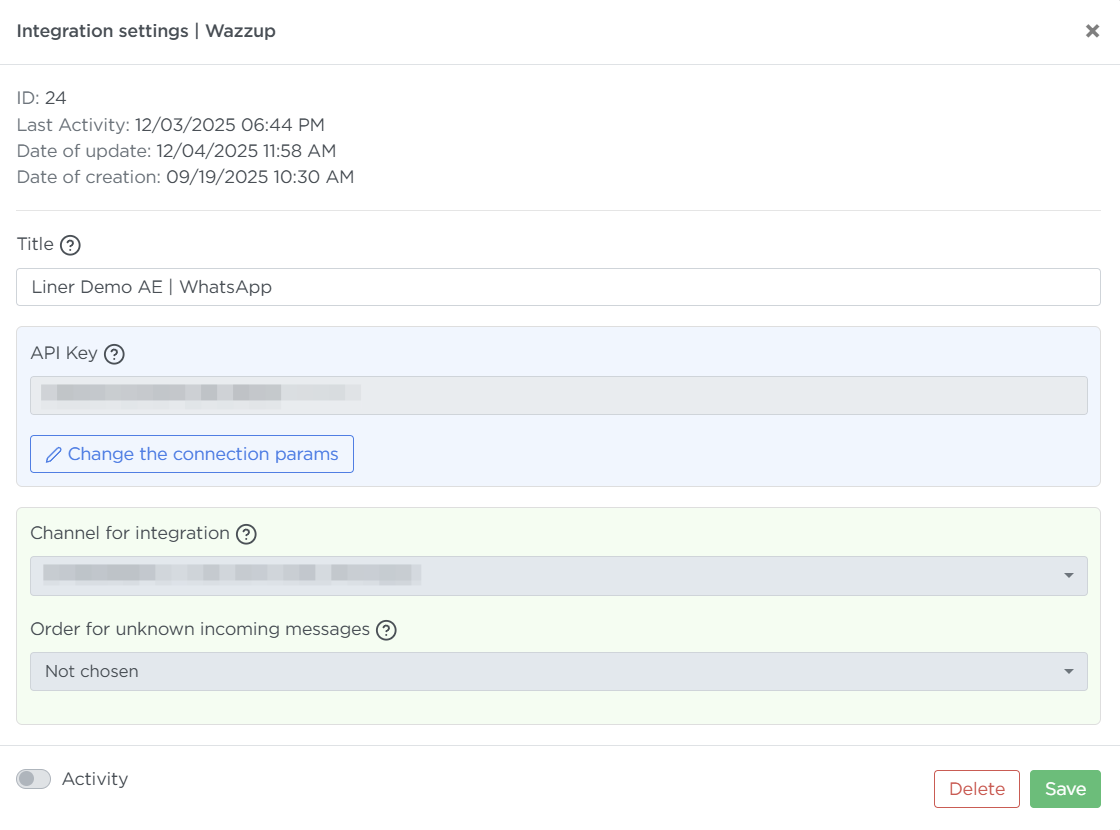
Enable or disable existing integrations — click the gear icon, switch the Activity toggle to the required position, and click Save.
-
Delete integrations you no longer need — click the gear icon → Delete, then confirm the action.