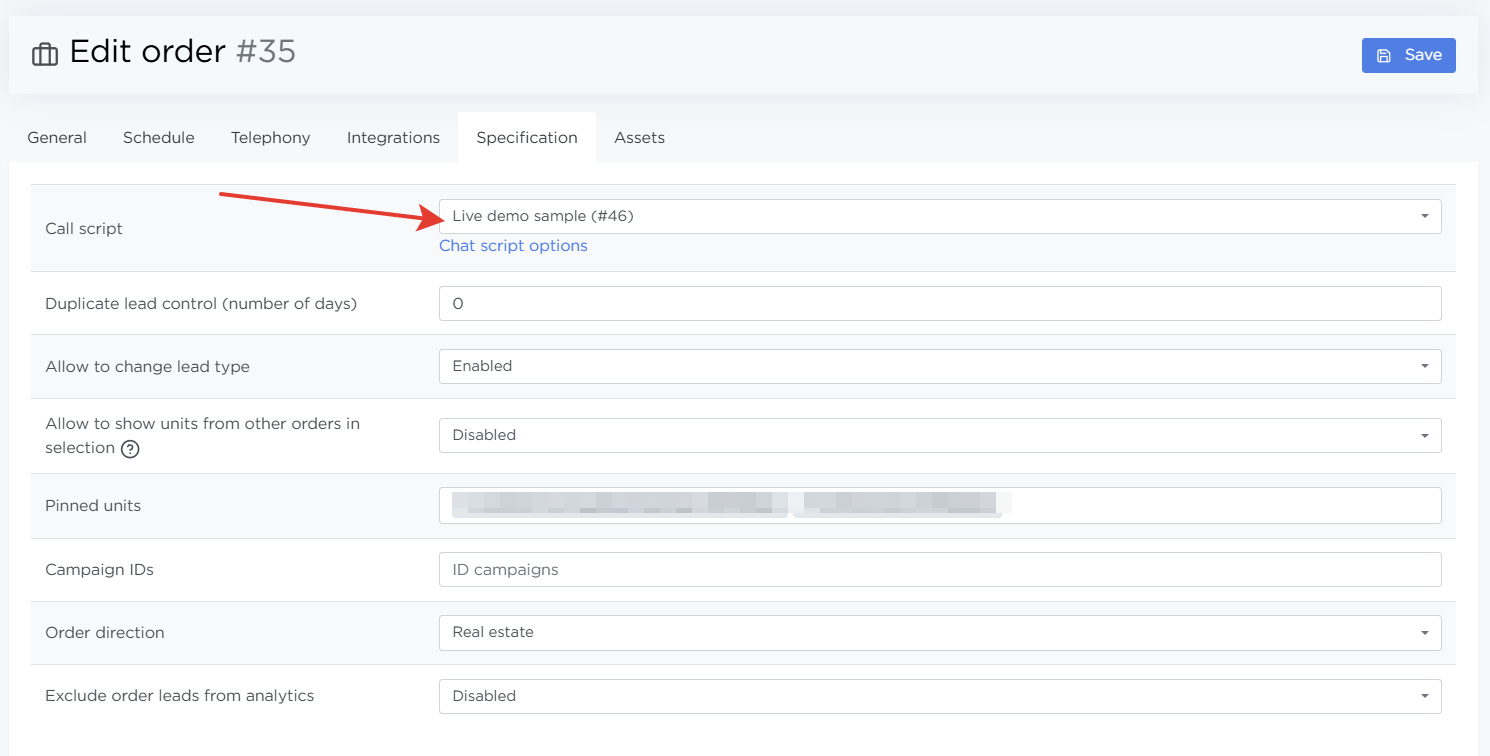
Call Scripts
The Parametres → Call Scripts page is used to create, edit, and review call scripts that agents follow when talking to leads. Scripts are assigned to orders and help standardize communication, reduce agent onboarding time, and improve lead handling quality.
After reviewing this page, it becomes clear:
- which scripts exist in the system,
- which orders use each script,
- how to create or edit a call script.
What call scripts are for
A call script is a structured set of prompts and texts that an agent sees during a call. One script can be used in multiple orders, so there’s no need to duplicate the same content.
Call scripts support:
- formatted text,
- attached quick replies,
- multiple language versions,
- change history.
Properly configured scripts help:
- maintain a consistent communication standard;
- reduce agent response time;
- simplify onboarding for new agents;
- increase the conversion rate to qualified leads.
Script list
The page shows a list of all created scripts, with search available by script name.
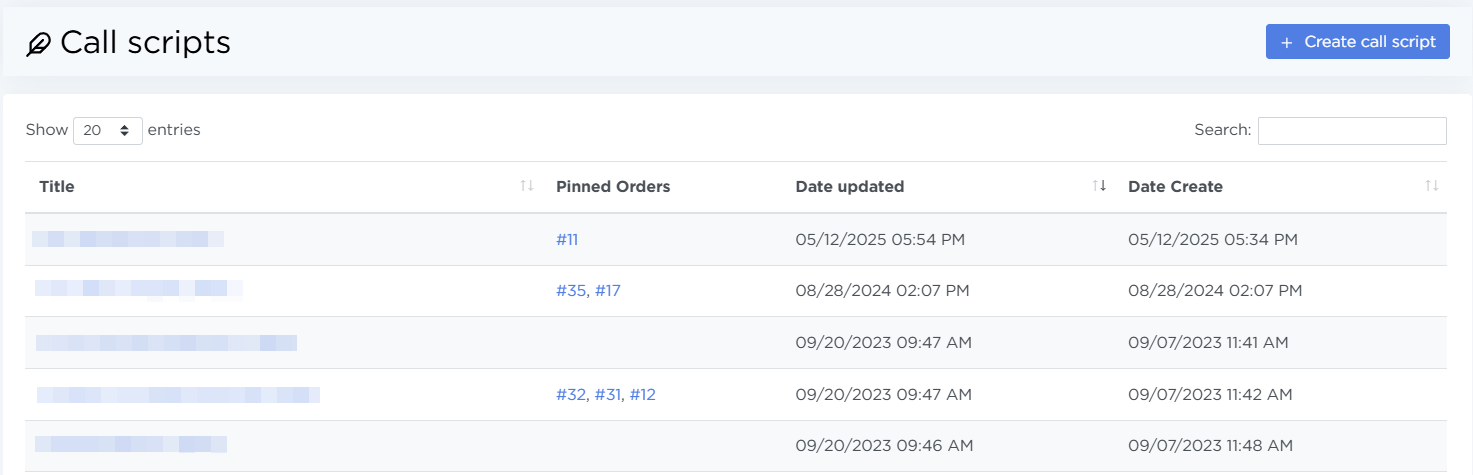
Each script in the list includes:
- Title — a clickable script name that opens the script details.
- Pinnet orders — IDs of orders where the script is used. Each ID is clickable and opens the order page.
- Date updated — date and time of the most recent change.
- Date Create — date and time the script was created.
To view script details, click its name in the list.
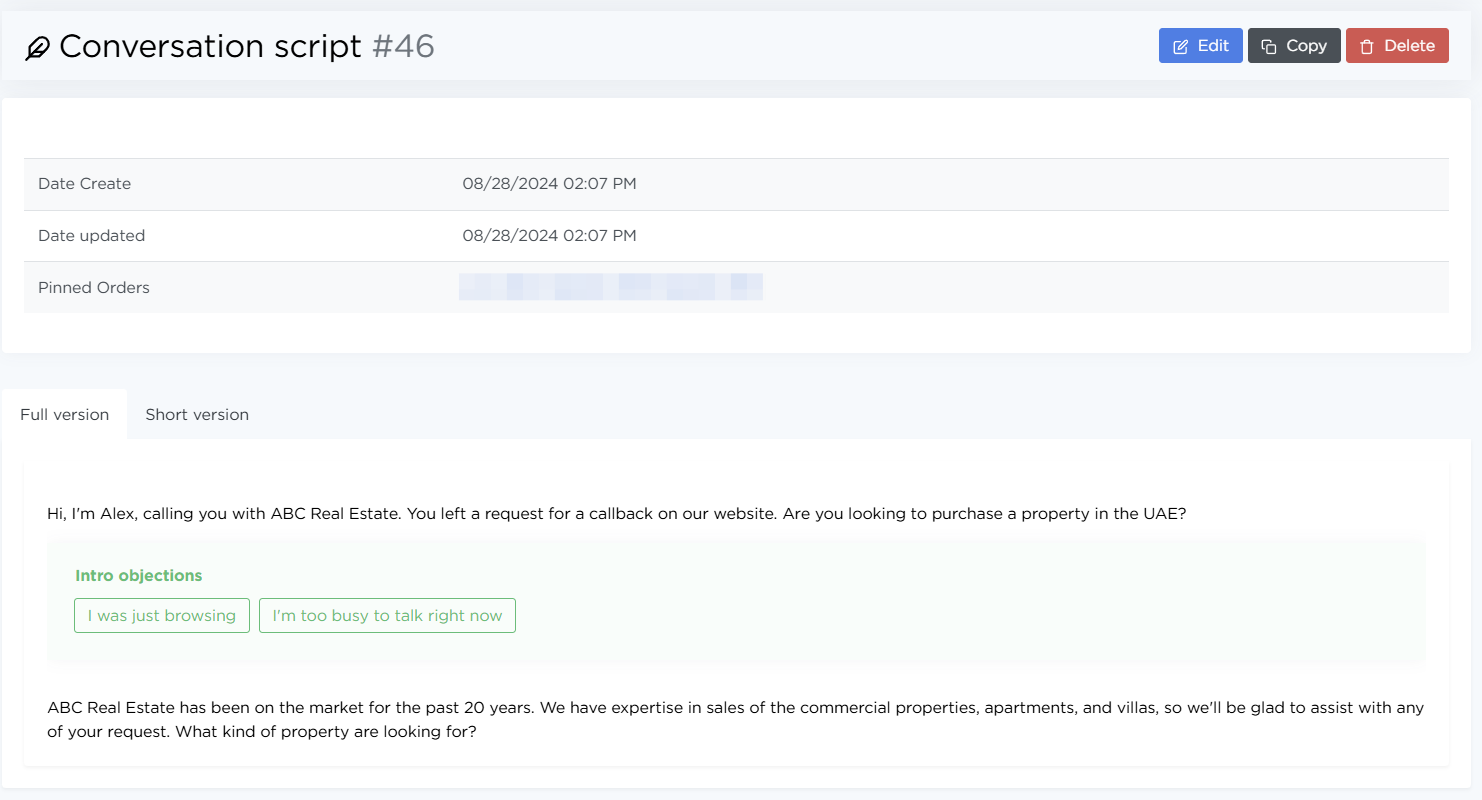
Creating and editing a script
To create a new script, click Create call script. More details on script creation are available on the Quick Start page.
To edit an existing script, open it by name and click Edit.
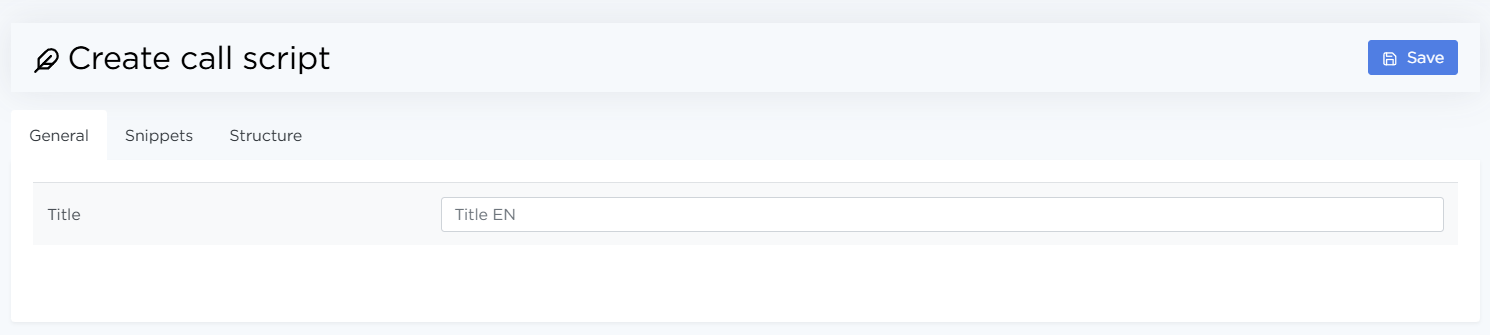
The create/edit interface includes three tabs.
General. This tab is used to set the script title.
The title appears in the script list and when selecting a script in an order.
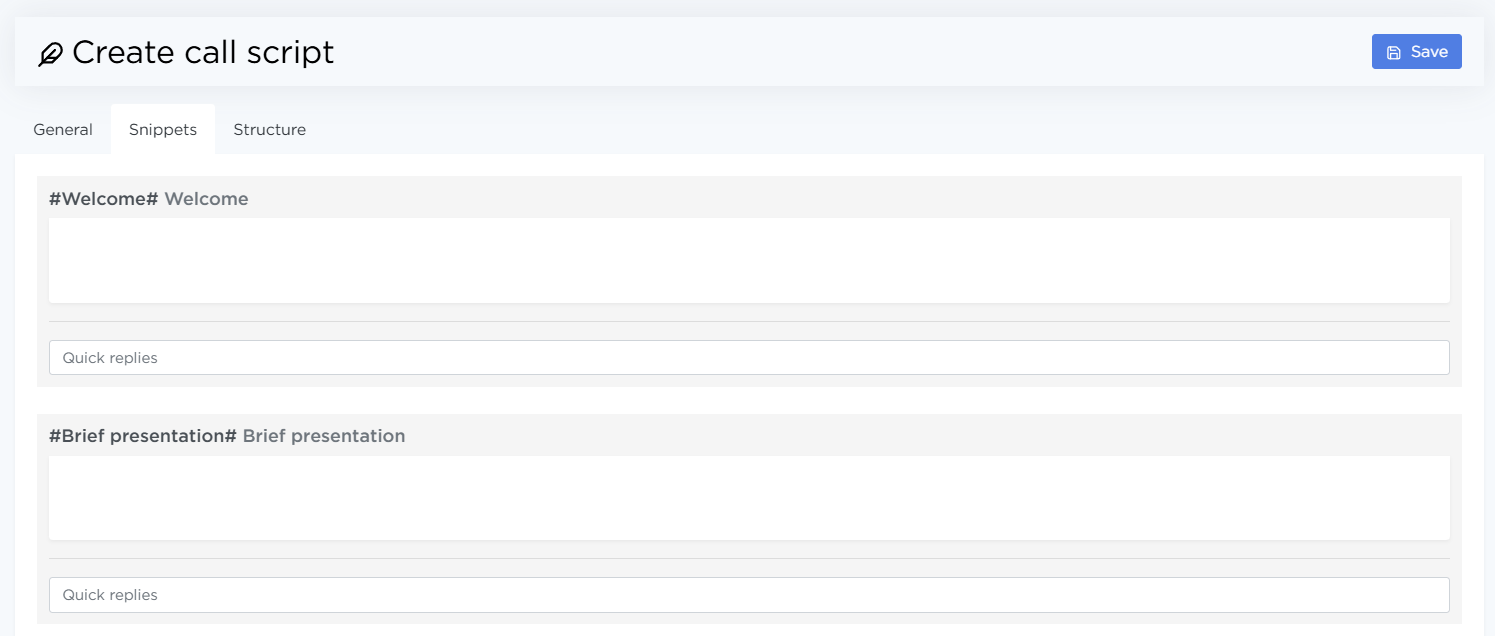
Snippets. Each script consists of five independent blocks:
-
#Welcome# The opening text of the conversation.
-
#Brief presentation# A brief description of the offer or the call’s purpose.
-
#Transfer script# Phrases used to transfer the call to the sales team.
-
#Basic Information# Key details the agent should communicate to the lead.
-
#Aux information# Extra tips, answers to common questions, and clarifications.
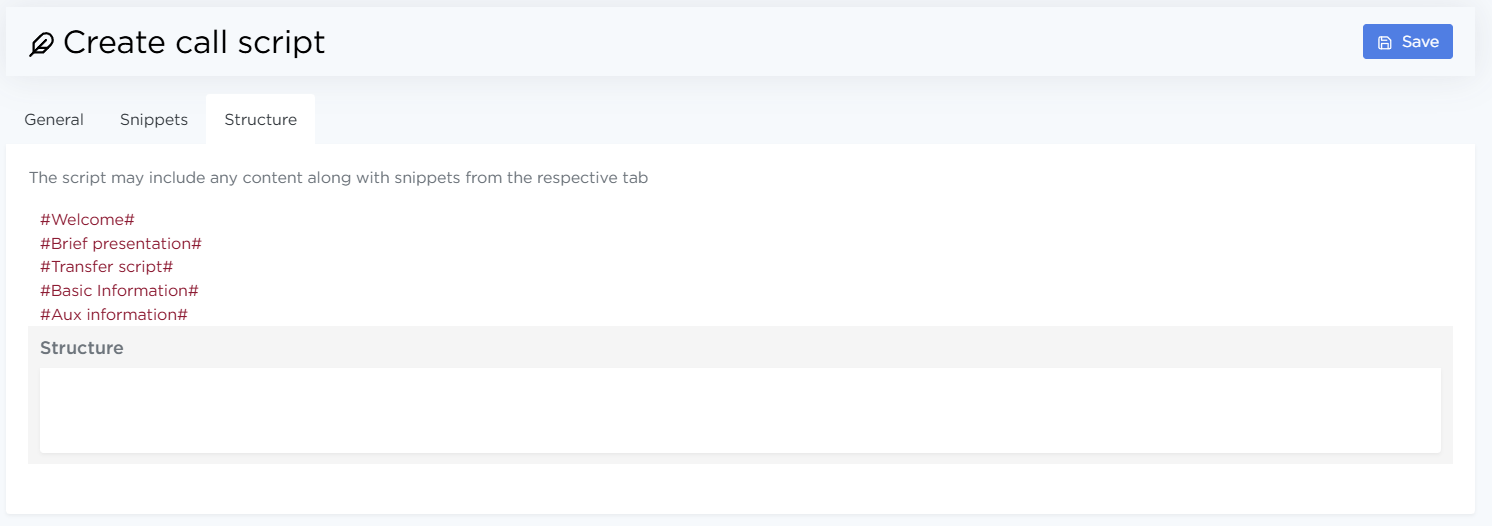
Structure. On this tab, arrange the blocks and any additional text in the desired order — this is how the script will appear during a call. For convenience, block short codes can be copied directly from this page.
Quick replies in scripts
Quick replies are pre-written prompts for agents, such as objection handling or answers to common questions. They’re created separately and then attached to specific script blocks.

When a quick reply is updated, the changes are automatically applied to all scripts where it’s used.
Using scripts in orders
A call script is selected in the order settings under Specification → Call Script. Once selected, agents will see this script when handling leads for that order.